Where to Buy Aged LinkedIn Accounts: Tips and Checklists
In short: An aged LinkedIn account is a ready-made tool for promotion, client acquisition, and bypassing platform restrictions. For many professionals and companies, it offers a quick start without the lengthy warm-up period and the risk of new profile bans. Before buying, it’s important to know how to choose the right listing to avoid fakes or blocked profiles. Let’s break down how to make your purchase as safe and effective as possible.
Why You Need an Aged LinkedIn Account: Real Use Cases
Aged LinkedIn accounts are in demand among sales professionals, recruiters, marketers, and agency owners. Here are three examples:
- Instant access to InMail and advanced features. New profiles often lack certain tools, while aged accounts let you use all features right away.
- Bypassing regional and age restrictions. LinkedIn is restricted or unavailable in some countries—an aged account can solve this issue.
- Building trust. A profile with history inspires more trust from potential clients and partners.
Common Problems and Risks
Buying an aged account offers opportunities, but also comes with certain risks. Here’s what buyers face most often:
- Quick ban after changing details. Changing email, password, or IP too abruptly can easily get the profile blocked.
- "Dead" accounts. Some listings offer profiles with no activity history or suspicious connections—these quickly lose value.
- Incomplete data transfer. Sometimes buyers receive only partial login information, making account recovery difficult.
Understanding these risks is the first step to a safe purchase.
Selection Criteria: How to Spot a Good Listing
- Account age. The older the account, the more valuable it is and the lower the risk of being blocked.
- Activity and connections. Ideally, the profile should have real connections and a message history.
- Verified email and phone. This is crucial for account recovery and proof of ownership.
- Clean history. No suspicious activity or LinkedIn sanctions.
- Registration region. Make sure the country of registration fits your needs and whether you need a specific location.
Carefully review the listing description and don’t hesitate to ask the seller for details.
Where to Safely Buy a LinkedIn Account
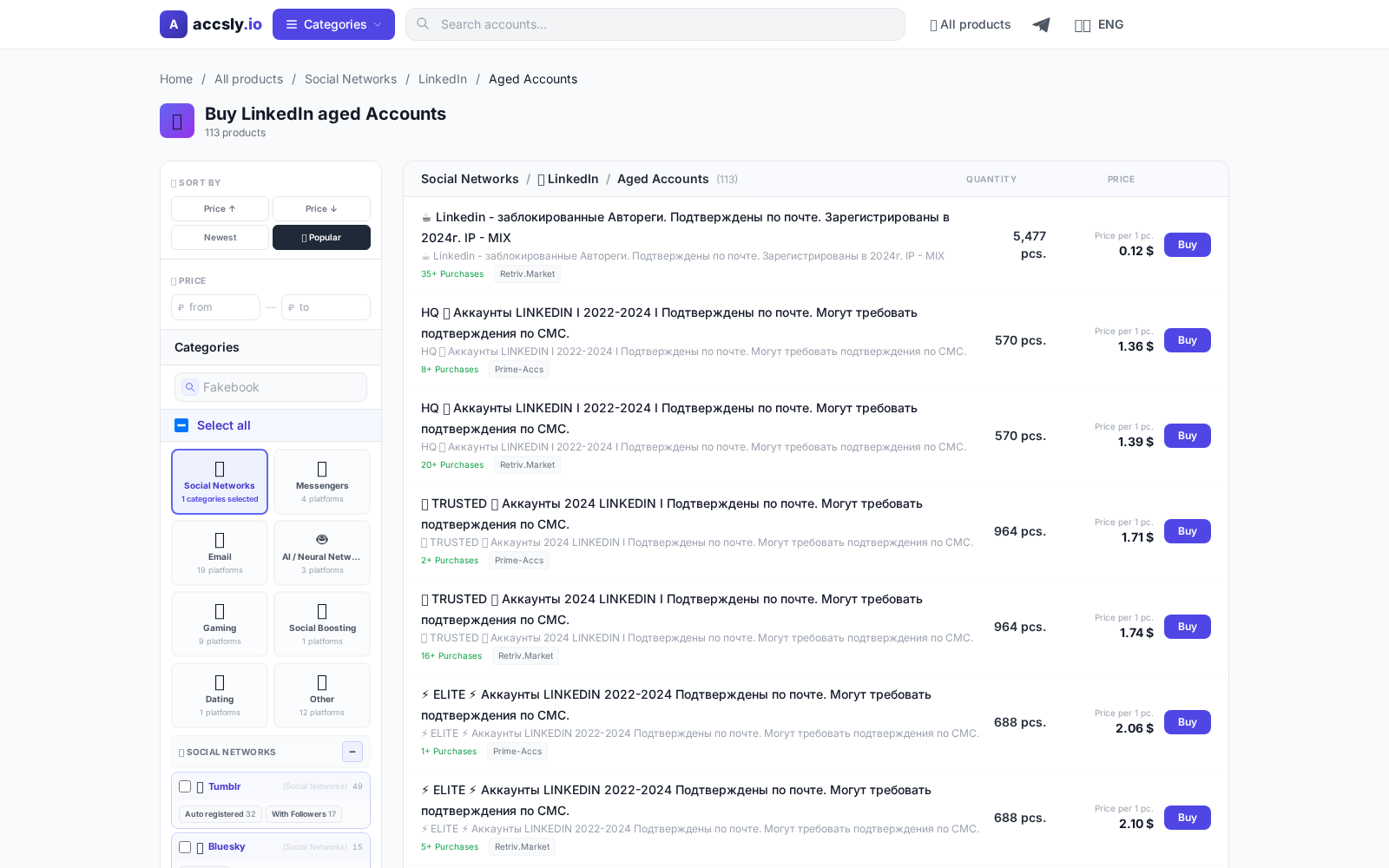
Buying through random chats and forums is a gamble. The best way is to use the catalog of a trusted marketplace like ACCSLY. All listings are moderated, and transactions are protected by a secure payment system. The catalog is regularly updated, so you can choose an account by age, country, and other parameters.
How to Buy: Step-by-Step Guide
- Select a suitable account in the ACCSLY catalog.
- Carefully review the listing: age, activity, presence of email/phone.
- Proceed to checkout using the secure form on the website.
- After payment, you’ll receive login details and follow the purchase instructions.
Checklist Before Payment
- Reviewed the listing description and terms.
- Clarified details with the seller: country, activity history, recovery options.
- Made sure the seller provides all data for changing email and password.
- Chose a secure platform for the transaction.
Checklist After Receiving the Account
- Changed the password and email to your own.
- Checked linked services (email, phone, two-factor authentication).
- Carefully updated main details to avoid suspicious activity.
- Saved a backup of all data for recovery.
Common Beginner Mistakes and How to Avoid Them
- Changing all details at once. It’s better to update them gradually to avoid being blocked.
- Buying from questionable platforms. Only use trusted services.
- Ignoring the listing description. Read the details carefully and ask questions.
- No backup email/phone. Without these, recovering the profile will be difficult.
Follow these recommendations to safely purchase and use an aged LinkedIn account for your needs.
Where to Buy
Choose the right option from the catalog and compare available offers.
Go to catalog
How to Buy
Start by selecting the best option for your needs and budget, then carefully check the terms, delivery format, and restrictions before payment.
To avoid mistakes, follow this sequence:
- compare options in the desired category;
- double-check the description and terms;
- place your order through a secure link.
After purchase, save your confirmation and follow the seller’s instructions—this helps resolve access issues quickly and prevents data loss.
See purchase instructions