Where to Buy New Steam Accounts: A Detailed Guide
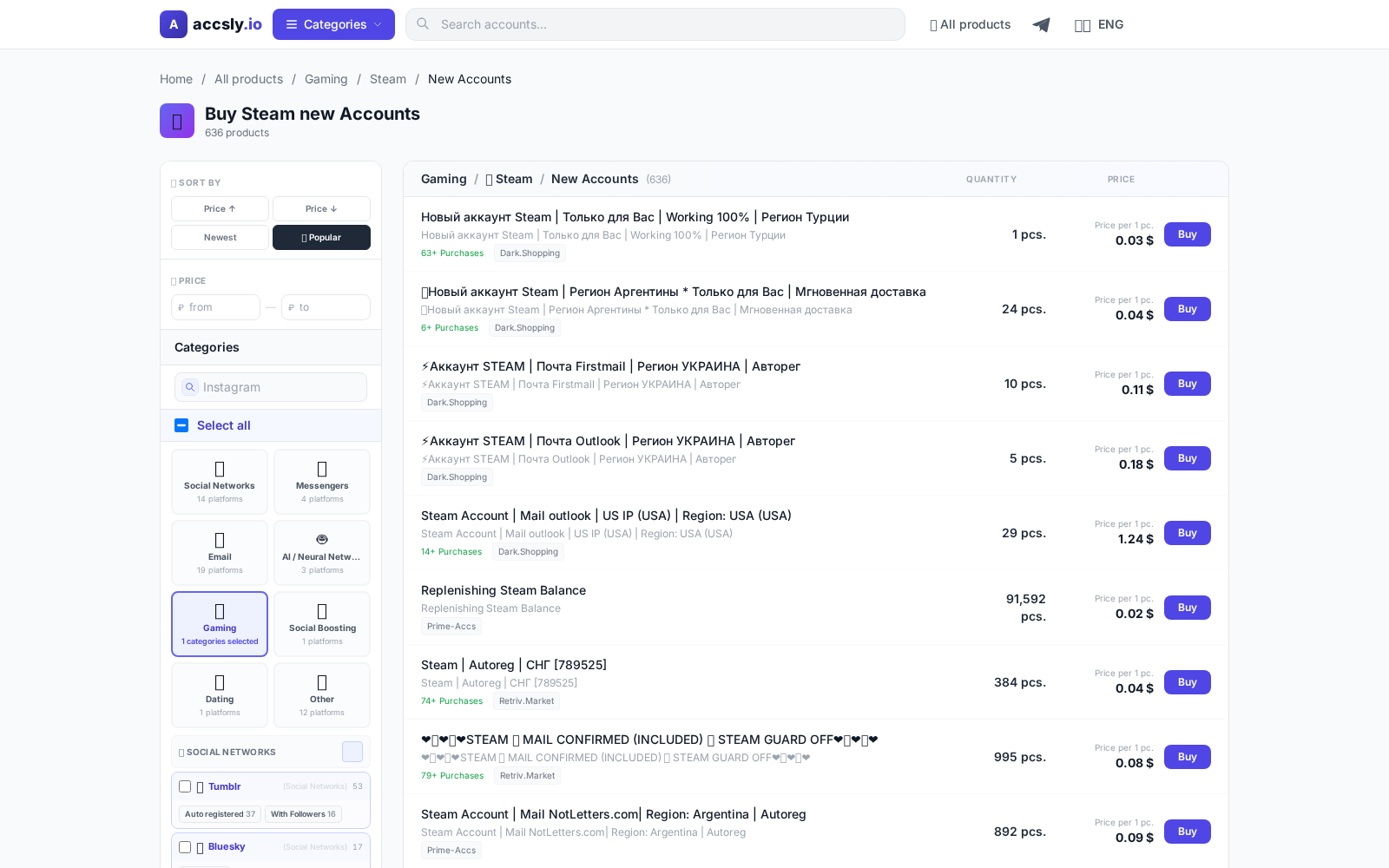
In short: Buying a new Steam account is a quick way to access games, discounts, and unique platform features without restrictions or waiting. However, it's important to choose carefully and avoid scammers. In this guide, we’ll cover when you really need a new account, how to pick the right offer, what risks to watch for, and how to safely complete your purchase on ACCSLY.
Why You Might Need a New Steam Account
Gamers buy new Steam accounts for various reasons. Some want a fresh start or need to bypass regional restrictions. For example, it can be more cost-effective to buy a new account for access to special prices or to join bonus programs unavailable on your main profile. You might also need a new account for testing games, creating a separate profile for streaming, competitions, or working with bots.
Common Issues When Buying Accounts
The market is full of offers, but not all are trustworthy. Here are the most common problems buyers face:
- Accounts get quickly banned due to previous violations or suspicious activity.
- The seller doesn’t provide all the necessary information, or the account has already been used.
- Hidden restrictions: inability to change email, phone, or region.
- Limited access to games or missing promised bonuses.
The solution is to buy only from trusted platforms and carefully read the description and terms of the deal.
How to Choose the Right Offer
Before buying, pay attention to:
- Account region. This affects prices and access to certain games.
- Ability to change account details. Check if you can change the email, phone, and password.
- Account history. Make sure it’s a new account with no suspicious activity or complaints.
- How the account details are delivered. The more transparent and faster, the better.
- Seller guarantees. Clarify how long the guarantee lasts and what it covers.
Ask the seller for details before paying to avoid unpleasant surprises.
Where to Safely Buy a Steam Account
The most reliable way is to use a specialized marketplace with clear rules and support. On ACCSLY, you’ll find a catalog of new Steam accounts with various configurations, so you can easily filter and find the right offer. All transactions go through a secure platform, and account details are provided only after payment, protecting you from fraud.
How to Buy an Account: Step-by-Step Instructions
- Go to the Steam accounts catalog on ACCSLY.
- Choose the right option — review the description, parameters, price, and guarantee.
- Check the delivery terms and whether you can change important account details.
- Click “Buy” and follow the instructions for secure payment and receiving your account details.
- After purchase, carefully follow the seller’s instructions to avoid losing access.
Checklist Before Payment
- Make sure the offer matches your requirements.
- Ask the seller if you can change the email and password.
- Check if there’s a money-back guarantee in case of issues.
- Ensure the purchase goes through a secure platform, not directly.
- Review the seller’s rating and feedback from other buyers.
Checklist After Receiving the Account
- Immediately change the password, email, and phone if needed.
- Check the account history for complaints or bans.
- Review Steam Guard security settings.
- Save all purchase information and the seller’s instructions.
- Make sure all promised games, bonuses, or balance are present.
Common Beginner Mistakes and How to Avoid Them
- Buying from unknown sellers outside the marketplace — risk of losing money.
- Ignoring the description and terms: restrictions are often hidden in the details.
- Delaying the change of account details — this can lead to loss of access.
- Paying too quickly without checking the seller’s rating.
- Sharing account information with third parties, which can result in a ban.
By following these instructions and checking the details, you’ll minimize risks and quickly start using your new Steam account.
Where to Buy
Browse the catalog and compare available offers.
Go to catalog
How to Buy
Start by choosing the right option for your needs and budget, then carefully check the terms, delivery format, and restrictions before paying.
To avoid mistakes, follow this sequence:
- compare options in the relevant category;
- double-check the description and terms;
- place your order through a secure link.
After purchase, save your confirmation and follow the seller’s instructions: this helps resolve access issues quickly and avoid data loss.
See buying instructions