Where to Buy New Twitter (X) Accounts: Tips and Step-by-Step Guide
In short: New Twitter (X) accounts are often needed for work, promotion, or personal use when you don’t want to expose your main profile. There are many offers on the market, but it’s important to buy an account with security guarantees to avoid losing money and time. Below you’ll find how to choose, where to buy, and what to look out for.
Why You Might Need a New Twitter (X) Account
Buying a new Twitter (X) account is relevant for those involved in marketing, affiliate marketing, analytics, or brand promotion. Often, an account is needed to test new ideas, bypass restrictions, or separate work and personal tasks. Here are the main scenarios where it makes sense:
- Launching ads and promoting projects without risking your main profile;
- Managing multiple niches at the same time;
- Participating in affiliate programs that require a separate account;
- Staying anonymous in discussions and forums;
- Testing automation tools.
What to Know: Common Account Issues
When buying an account, many face blocks, quick recovery by the original owner, or non-working logins. The reasons often lie in choosing the wrong offer or being careless with data transfer. Here’s what to pay attention to:
- The account may have been created with violations (mass registrations, suspicious IP);
- Incomplete transfer of all data (email, password, backup codes) is possible;
- Lack of email access means risk of losing control;
- Quick device changes can trigger a Twitter block;
- Inactive or previously used accounts are often blocked immediately.
The main mistake is trusting random sellers without a reputation and not reading the offer description.
How to Choose the Right Offer
Before choosing, pay attention to:
- Account status: fresh, aged, with or without activity;
- Email access: ensures full control;
- Registration region: affects access to certain features;
- Phone binding: extra protection;
- Offer description: the more detailed, the better your chances for a smooth deal;
- Seller reviews: check their profile and sales history.
The ideal option is an account with email access and a detailed history.
Where to Buy Safely
It’s best to buy new Twitter (X) accounts through trusted platforms. Open marketplaces often don’t take responsibility for the outcome, while specialized marketplaces provide deal protection and support.
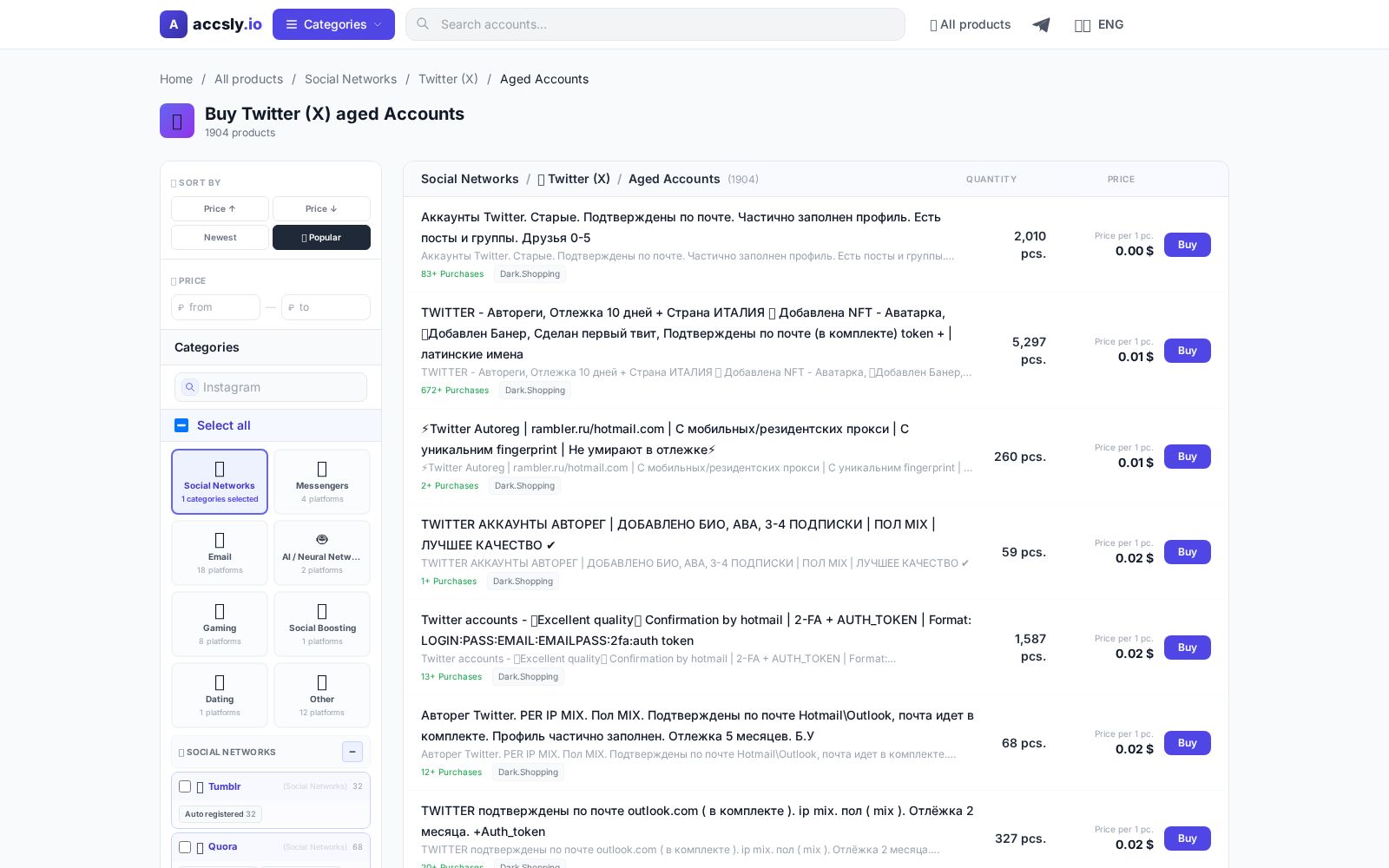
On the ACCSLY catalog you can find current offers with filters by parameters. Here, listings are moderated and sellers are verified, reducing the risk of fraud.
How to Buy: Step-by-Step Guide
- Select a suitable offer in the ACCSLY catalog.
- Read the description, check the transfer conditions, and seller reviews.
- Click the purchase button and follow the instructions to complete the transaction.
- After payment, you’ll receive all necessary login details.
- Save your logins and instructions, and make sure access works on all devices.
Checklist Before Payment
- Check if you get access to email and phone;
- Clarify if there have been previous password changes or recoveries;
- Ask about the registration region;
- Evaluate the seller’s reputation through reviews;
- Review the platform’s return policy.
Checklist After Receiving the Account
- Log in from a clean device and change all passwords;
- Update the email and link your own phone number;
- Check Twitter (X) security settings;
- Remove third-party apps and bindings;
- Back up your recovery codes.
Common Beginner Mistakes and How to Avoid Them
- Buying without checking the description and conditions — risk of being blocked;
- Leaving old contacts in the profile — the seller could reclaim the account;
- Logging in from a suspicious IP or VPN — a common reason for instant blocking;
- No backup email or phone — impossible to recover access;
- Sharing data with third parties — risk of information leaks.
You can avoid mistakes by being attentive and following the instructions. Use only trusted platforms like ACCSLY and don’t neglect basic digital hygiene.
How to Buy
Start by choosing the right option for your needs and budget, then carefully check the terms, delivery format, and restrictions before paying.
To avoid mistakes, follow this sequence:
- compare options in the relevant category;
- double-check the description and conditions;
- place your order through a secure link.
After purchase, save your confirmation and follow the seller’s instructions: this helps resolve access issues quickly and prevents data loss.
View the purchase guide